How to Make a Meme Online for Free (No Design Skills Needed)
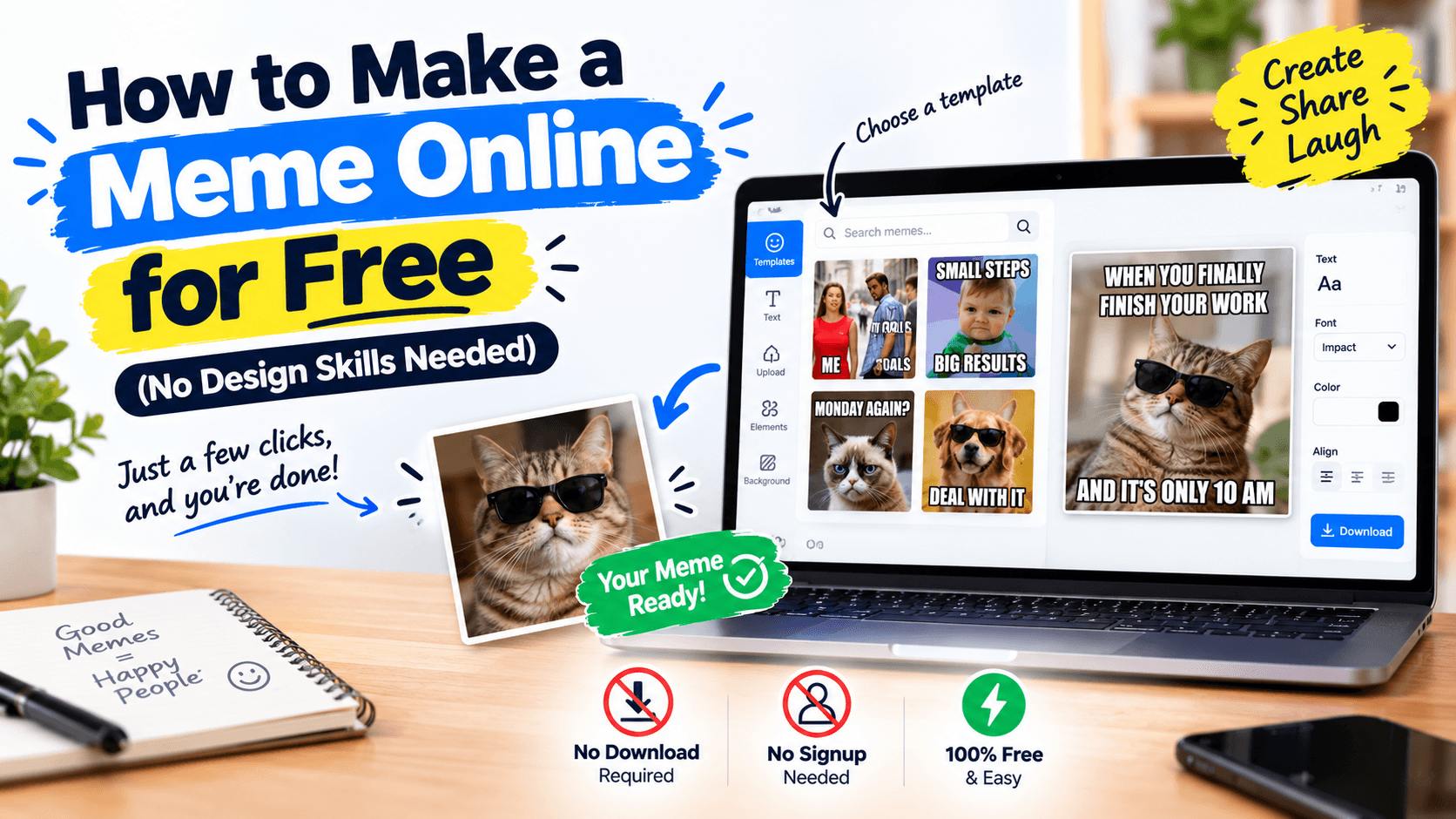
Why Memes Still Dominate Online Culture
Long after they first appeared, memes remain one of the fastest ways to communicate a feeling, react to a moment, or make a group chat laugh. Their power comes from a simple formula: a relatable image, paired with sharp, well-placed text. That formula hasn't changed in over a decade — what has changed is how easy it is to make one.
You don't need Photoshop, a design background, or even a computer with design software installed. A browser-based meme generator can do the whole job in a few clicks.
The Classic Meme Format, Explained
Most recognizable memes follow the same visual structure: bold, white text with a black outline, positioned at the top and bottom of an image. That outline isn't just a style choice — it's what makes the text readable regardless of what's happening in the photo behind it, whether it's a bright sky or a dark room.
A good meme generator replicates this automatically:
- Bold, high-contrast text that stays legible on any image
- Adjustable font size, so text fits short captions or longer jokes
- Top and bottom text fields, matching the format people instantly recognize
How to Make a Meme in 4 Steps
- Upload the image you want to use as your meme's base
- Type your top text and bottom text
- Adjust the font size and color until it looks right
- Download the finished image and share it anywhere — group chats, social media, or forums
The whole process happens in your browser, so there's no waiting on uploads to a server and no watermark added to your result.
What Makes a Meme Actually Funny
The text matters more than the tool. The strongest memes usually follow a pattern: the top text sets up a relatable situation, and the bottom text delivers an unexpected or exaggerated punchline. Keeping both lines short works best — memes are read in under two seconds, so brevity beats cleverness that takes too long to land.
Beyond Classic Memes
The same top/bottom text tool works for more than jokes. People use it for:
- Announcement graphics with a bold headline
- Reaction images for personal use in chats
- Simple, text-driven social media graphics when a full design tool feels like overkill
Try It Yourself
Whether it's a reaction to a work meeting, a joke for your friend group, or just something to make you laugh, making a meme takes less time than finding the perfect existing one online. Upload a photo, add your text, and download something that's entirely your own.